FootballSportsTalk has a light and a dark theme. Click the sun / moon button in the top navigation bar to switch between them at any time. Your choice is remembered on your device, so the forum opens the way you like it next time. If you have not chosen, the forum follows your device's own light or dark setting.
Every post has an up arrow and a down arrow in the action bar below it, with a score in between. Signed-in members can vote a post up if it is helpful, or down if it is not. This helps the most useful answers rise to the top of a discussion. You can change or clear your vote at any time. You need to be signed in to vote.
You can add a quick emoji reaction (such as a thumbs up) to any post using the small + button below it. Reactions stay hidden until at least one person adds one, so discussions stay clean. Click an existing reaction to add yours, or click it again to remove it. You need to be signed in to react.
Next to a member's name on their posts you will see a Follow button. Click it to follow that member and keep track of the people whose posts you find most useful. Click it again to unfollow. The Follow button is shown when you are signed in, and it does not appear on your own posts.
Discussions can carry short topic tags (for example Nginx, SSL, or Proxmox), shown under the first post. Tags make it easy to see at a glance what a thread is about and to find related discussions. Members with the right permission can add or remove a tag using the + tag control on the thread.
On a question thread, the member who started it (or a moderator) can mark one reply as the Accepted answer. When a thread has an accepted answer it is flagged as Solved, so other members can quickly find the reply that resolved the question. This is ideal for a support and how-to forum.
You can add a video to a post. While writing a reply, click the Add video button and paste a YouTube or Vimeo link, or a direct .mp4 link. The video appears in your post as a lightweight click-to-play preview: nothing downloads until a reader presses play, so pages stay fast. This works on any post.
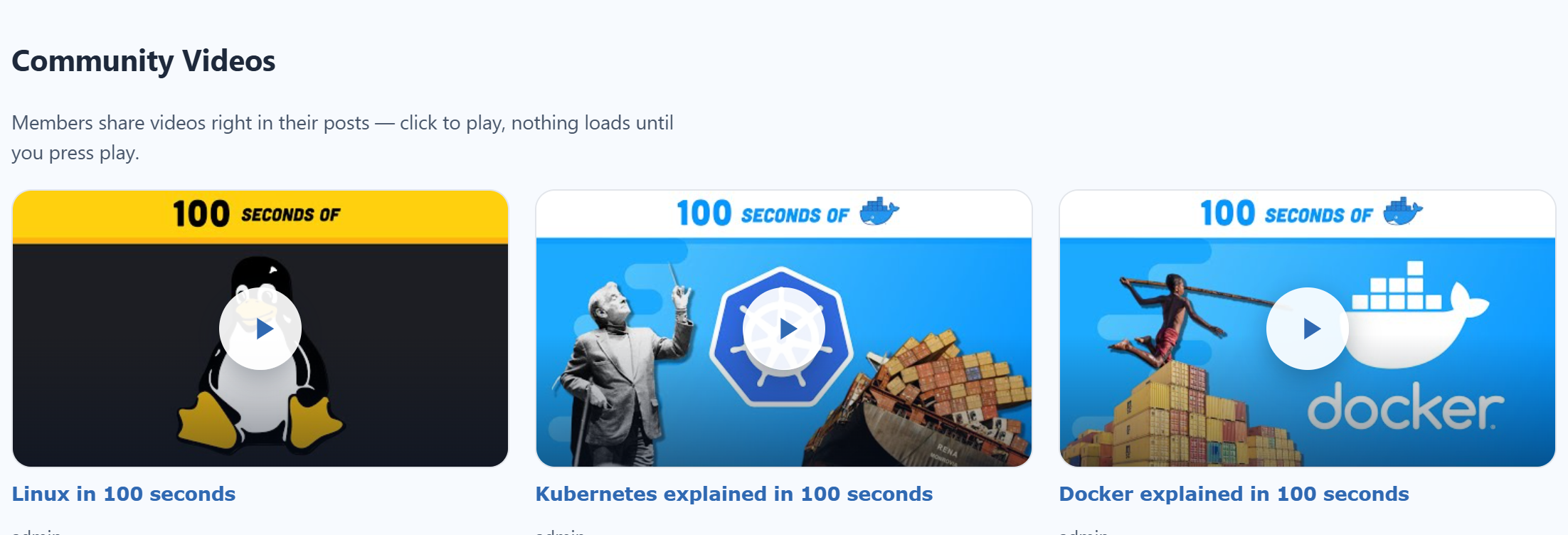
The home page has a Community Videos row that gathers videos members have shared in their posts. As with videos inside posts, each one is a click-to-play preview, so the home page stays fast. It is a quick way to discover useful video guides shared by the community.
On any discussion you will see an E-mail to friend link near the top of the page. Click it to send someone a link to that discussion along with a short note, so you can quickly share a useful thread by email.